Make Your Website Accessible to Everyone
Improve user experience with our smart accessibility widget – contrast checker, reading guide, big cursor, and more.

Improve user experience with our smart accessibility widget – contrast checker, reading guide, big cursor, and more.
What Does
It Do ?
The WebZible Widget is a powerful tool that enhances website accessibility with features like a contrast checker, reading guide, big cursor, and text resizing. Easy to integrate and fully customizable, it helps ensure WCAG compliance while improving the user experience. Make your website more inclusive—because accessibility matters
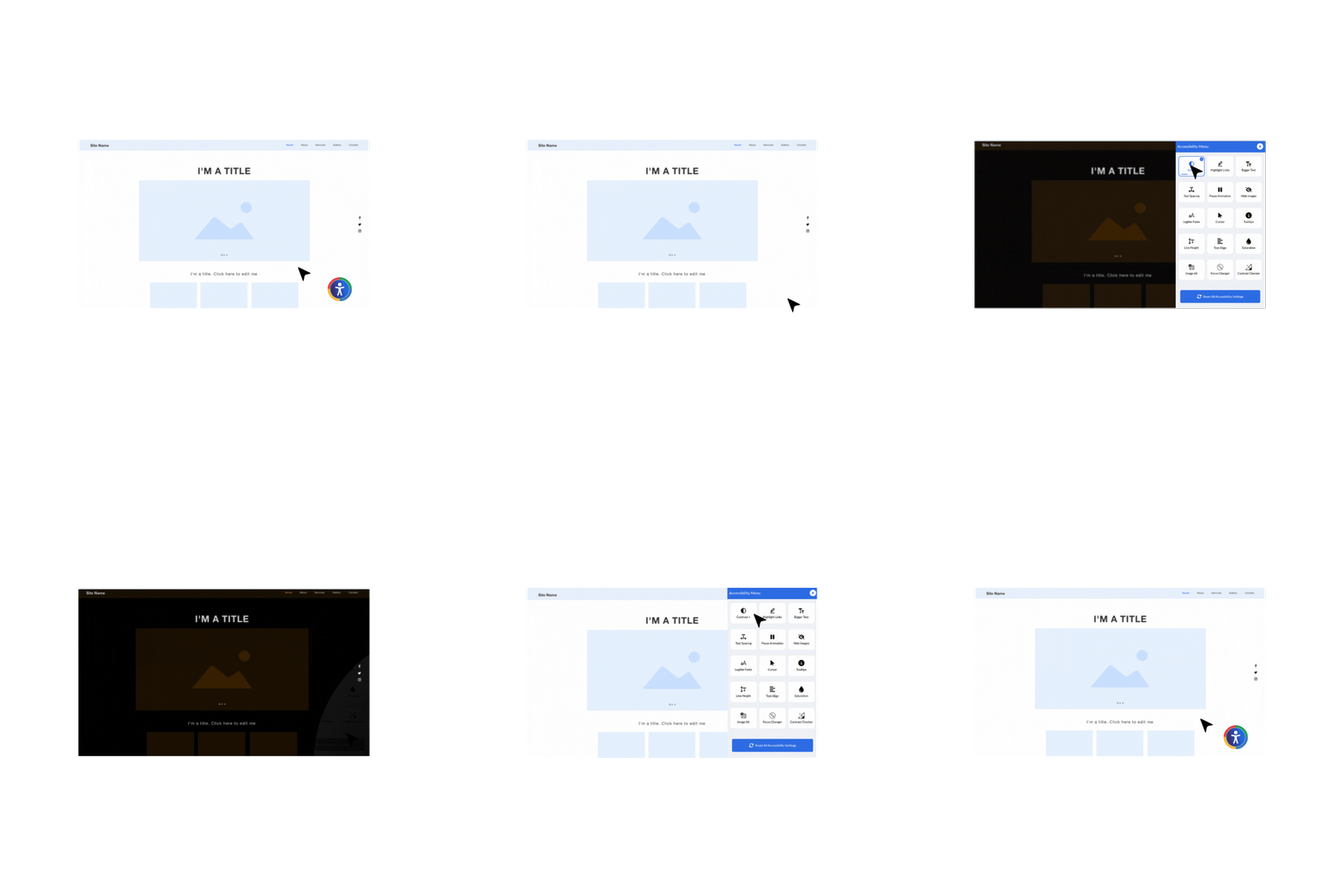

Adjusts the contrast of the webpage to improve readability for users with visual impairments.

Emphasizes all links on the page by changing their appearance for better visibility.

Modifies letter and word spacing to enhance readability for dyslexic users.

Allows users to change the text alignment (left, center, right, or justified) for better readability.

Increases or decreases the space between lines of text to reduce visual strain.

Enlarges text across the website to aid users with visual impairments.

Replaces fonts with more readable typefaces to help users with dyslexia and vision issues.

Adjusts color saturation levels to help users with color blindness or sensitivity.

Ensures images have alternative text for screen reader accessibility.

Stops animations and flashing content to prevent distractions and reduce seizures risk.

Removes images from the page to minimize visual clutter for users who prefer a text-only experience.

Provides tooltips on hover for better understanding of elements and navigation.

Changes the cursor style for better visibility and usability.
WebZible is easy to set up. Enhance your website’s accessibility
in just a few
clicks!

Copy the script to get started with accessibility enhancements.

Insert the script into your website’s code to activate the widget.

Enable the widget and start improving accessibility instantly!